

Hey everyone,
If you’re like most professionals I talk to, travel is back in full swing in 2026—conferences, client meetings, quick getaways. But every trip comes with invisible risks: cybercriminals love travelers because you’re distracted, using unfamiliar networks, and carrying your digital life in your pocket or backpack.
Recent trends show cyber threats to travelers are rising—think data theft on public Wi-Fi, juice jacking at charging stations, phishing via fake travel apps, and even sophisticated attacks targeting business execs abroad. Geopolitical tensions and AI-powered scams are making it worse.
The good news? You don’t need to be a tech wizard to protect yourself. I’ve helped dozens of traveling teams lock things down. Here are the essential IT safety practices I recommend for anyone hitting the road this year.
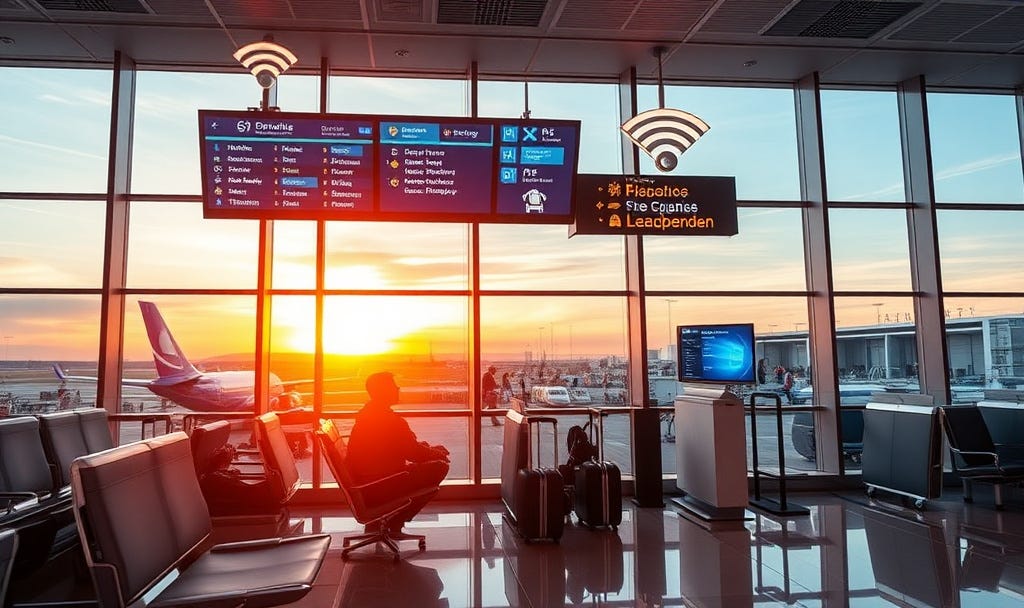
1. Before You Leave: Prep Your Devices Like a Pro
The best defense starts at home.
Use a “travel-only” mindset — If possible, leave your primary work laptop/phone at home. Take a loaner device, cheap tablet, or even a burner phone for basics. Strip it down: remove sensitive files, log out of accounts, and back everything up securely (cloud + encrypted external drive).
Update everything — Patch your OS, apps, antivirus, and firmware. Outdated software is still the #1 entry point for attacks.
Enable full-disk encryption — On Windows (BitLocker), Mac (FileVault), or mobile (built-in). If a device gets lost or stolen, your data stays locked.
Set strong locks — Use a passphrase (not just PIN), enable auto-lock after 1–5 minutes, and turn on remote wipe/find-my-device features.
Backup and limit data — Only carry what you need. Store the rest in secure cloud services (with 2FA).
Pro tip: Run a quick vulnerability scan before departure—tools like ours at Netizen Watch can spot external exposures fast.
2. On the Go: Networks Are Your Biggest Enemy
Airports, hotels, cafes—public Wi-Fi is a hacker playground in 2026.
Always use a VPN — This encrypts your traffic so snoopers can’t steal logins or data. Choose a reputable one (paid, no-logs policy, US-based if possible). Connect before doing anything sensitive.
Disable auto-connect — Turn off automatic Wi-Fi and Bluetooth joining. Manually select networks, and verify the name (fake “Airport_Free_WiFi” hotspots are common).
Avoid public charging stations — “Juice jacking” (malware via USB) is real. Use your own wall charger + power bank, or a data-blocker cable.
Mobile data over Wi-Fi — When in doubt, use your phone’s cellular hotspot (with VPN on top).
Bonus: Cover your webcam with tape when not in use—simple but effective against remote spying.
3. Account & Access: Lock It Down Extra Tight
Travel makes you a target for credential stuffing and phishing.
Enable Multi-Factor Authentication (MFA/2FA) everywhere — Especially email, banking, work tools. Use an authenticator app (not SMS if possible—SIM swapping is still a thing).
Use a password manager — Generate unique, strong passwords for every site. Never reuse them.
Watch for phishing — Fake “your flight is delayed” texts/emails or urgent “update payment” messages spike during travel. Verify directly with the official app/site.
Log out & monitor — After sessions, log out of accounts. Check login activity for unfamiliar locations post-trip.
4. While Abroad: Extra Caution for International Travel
Crossing borders adds layers—customs checks, foreign networks, potential device tampering.
Turn off unnecessary features — Disable Bluetooth, NFC, location services unless needed.
Avoid unknown USBs/apps — Don’t plug into hotel TVs or download sketchy “local guides.”
Physical security — Never leave devices unattended (even in hotel safes— they’re not secure). Keep positive control at all times.
Post-trip cleanup — Change passwords for anything accessed abroad, review device logs for odd activity, and scan for malware.
From government sources like the NSA: In high-risk areas, minimize what you carry and assume networks are monitored.
5. Quick Travel Cybersecurity Checklist (Copy-Paste This!)
Backup data & leave copies at home/base
Update all devices & enable encryption
Set up VPN & test it
Enable MFA on key accounts
Pack charger/power bank (no public USB)
Disable auto-join for Wi-Fi/Bluetooth
Use travel device if possible
Plan for remote wipe if lost
Follow this, and you’ll drastically cut your risk.
Travel should be about opportunities—not headaches from a breach. In 2026, with AI making attacks faster and smarter, basic hygiene like this goes further than ever.
If you’re a business owner sending teams out or just want peace of mind, proactive tools make a huge difference—things like continuous monitoring, vulnerability management, or quick incident response.
At Netizen Watch, we help growing companies stay ahead without the overwhelm. Curious about your setup? Drop a comment below, reply to this email, or head to netizen.watch for a free external footprint check—no strings attached.
Safe travels, stay secure, and let’s keep the bad guys out of your itinerary.
What’s your biggest travel security worry right now? Comment below—I read them all.
P.S. If this helped, hit the like ❤️ or share with a traveling colleague. Subscriptions keep more tips like this coming straight to your inbox.